
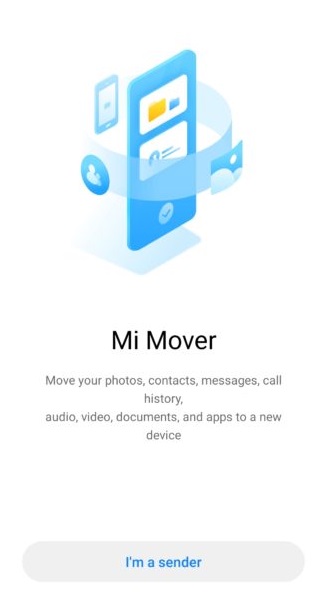
This app will be handy if you are moving to a new Xiaomi smartphone… Mi Mover app has so far been available only for Xiaomi devices, leaving out all other smartphones. But the app has finally been released on the Play Store so even non-Xiaomi phone holders can now download it.
Mi Mover app allows you to transfer your files, documents, messages, audio, videos, apps, contacts, and everything else easily from every other smartphone to another Xiaomi phone.
How to Begin
Download Mi Mover from the Google Play store and install it on both devices
>> Boot up the app on your old phone and grant permissions on both phones where required. When the app is loaded, choose “I’m a sender” on the old phone.
>>Connect the two phones together and select the necessary items to send,
>>simply press Send from your old phone. You’ll get a popup informing you to not turn on Wi-Fi or switch networks during operation.
Wait on the transfer has been successful before you disconnect.
Once the transfer is done, your Xiaomi phone will take some time to migrate the data and with that, you’re done!
Bear in mind that a non-Xiaomi phone can only be a sender and not a receiver. That makes Mi Mover usable only for a specific group of users getting into Xiaomi from another smartphone brand.
The post This App Will be Handy if You are Moving to a New Xiaomi Smartphone appeared first on Wealth Creation.
Source - Wealth Creation https://ift.tt/2KgKn8k




No comments:
Post a Comment
Dear reader, what do you have to say about this article?